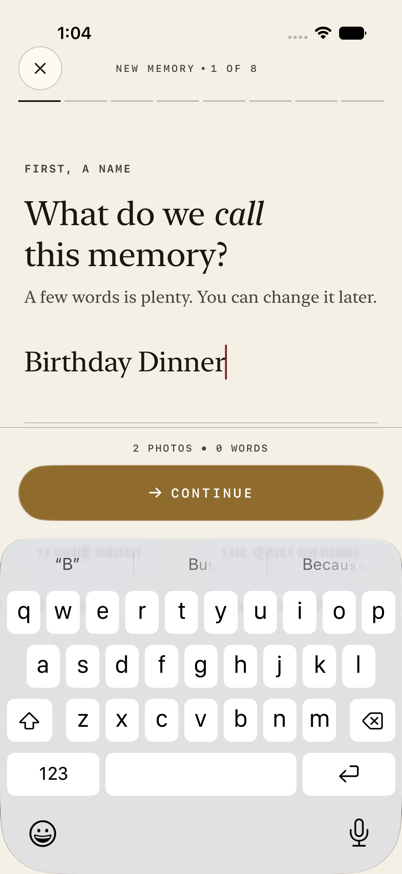
01
Name the memory
Start with a few words you can change later.
Private memory stories
Give your photos a story.
Pick the photos and videos from a birthday, a trip, or a night with friends. Confirm the details and choose a tone. SceneMark drafts a story on your device for you to edit, save, or turn into a short video.
Workflow preview
Name the memory, check the date, and choose how the story should sound. These screens show the steps.
01
Start with a few words you can change later.
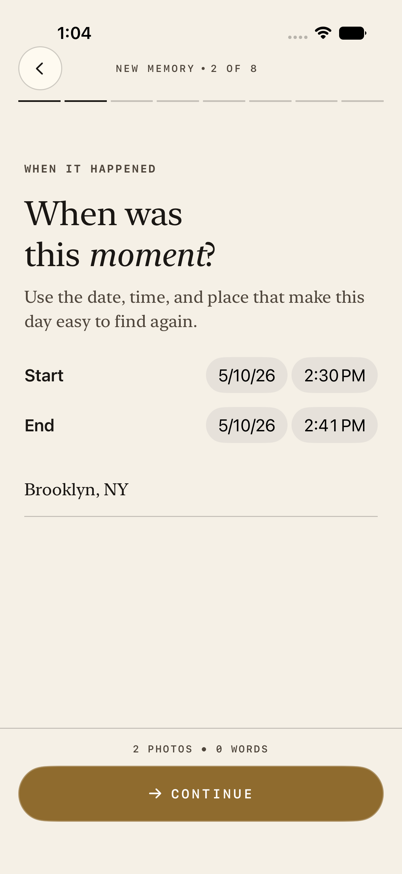
02
Confirm when the moment happened before SceneMark drafts.
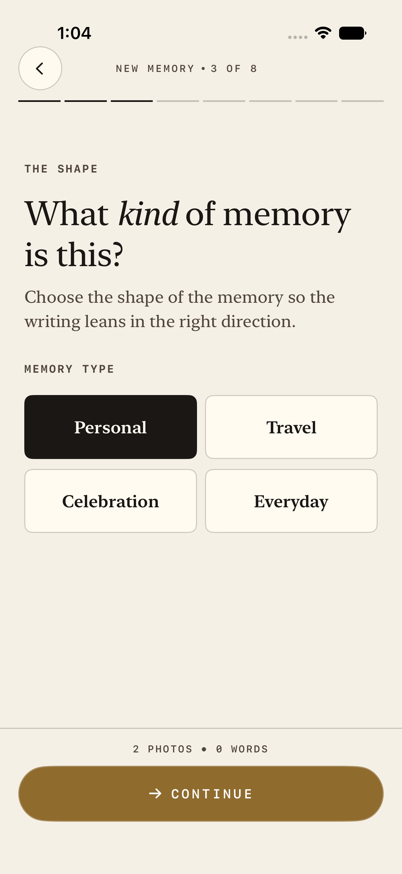
03
Choose the occasion you want to remember.
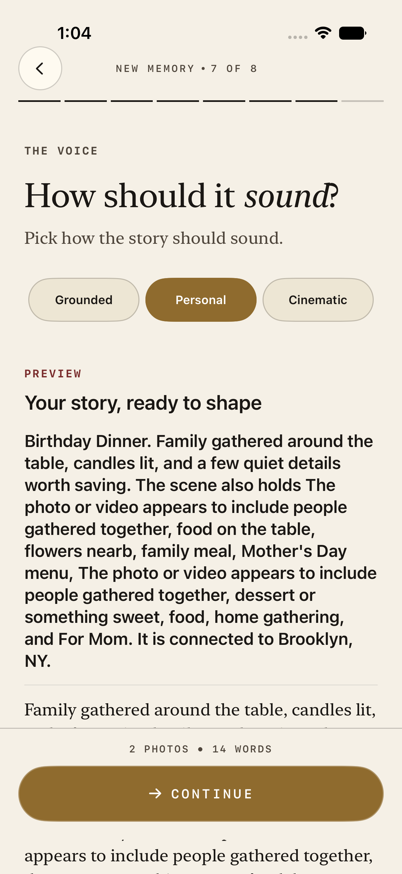
04
Preview the draft and choose how it should sound.
How it works
Start with the photos and videos you want to keep together. Review the details before you save the story.
01
Select the moments you want to include. SceneMark uses those choices to find dates, places, and details.


02
Check the date, place, and details. Add or confirm the names you want in the story.
03
Choose a tone, then edit and save the draft. Use the same memory to make a short video.
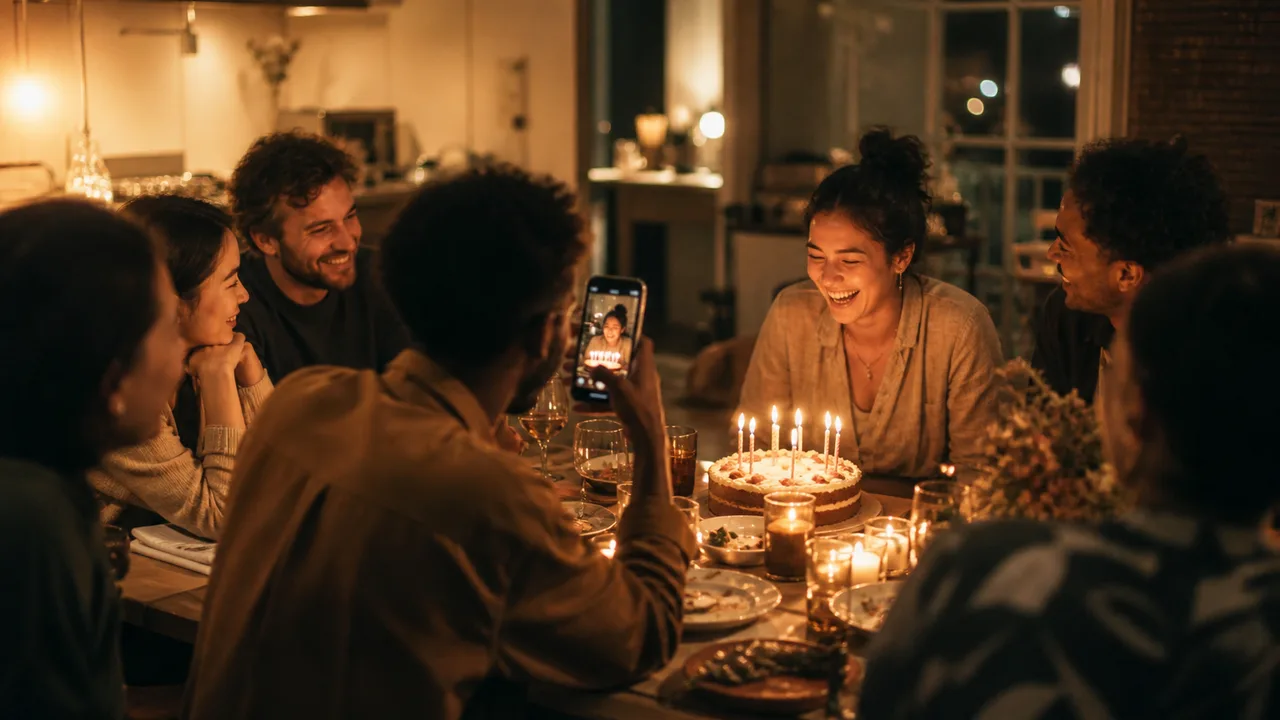
Example story
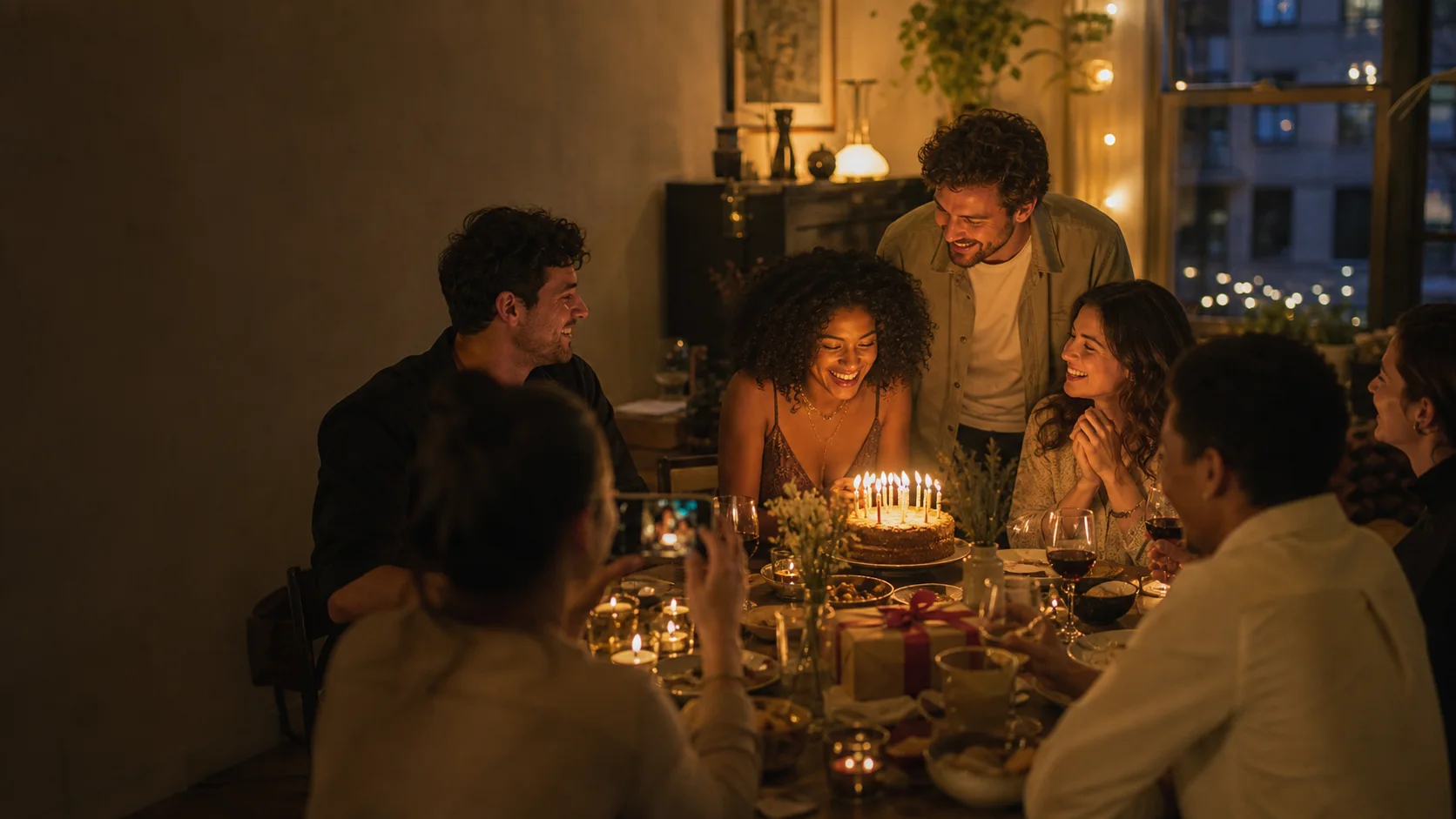
The candles flicker. Friends lean toward the cake as someone raises a phone. One laugh fills the room.
Private by design
SceneMark only uses the photos and videos you choose.
People are named only when you add or confirm a name.
Private media details stay separate from the story you save.
For memories worth keeping
Put the birthday toast, the trip, or the quiet family moment into words you can edit.